Quick iteration and efficient debugging are crucial for productivity. One feature that has made its way into Rails 8.1.0 makes the debugging experience even smoother by allowing you to open the file that caused an error directly in your favorite editor — straight from the error page. No more manually searching for the file that triggered the issue.
This functionality is powered by a new class in Rails: ActiveSupport::Editor, which handles the editor configuration and generation of clickable links to open the relevant file.
How Does It Work?
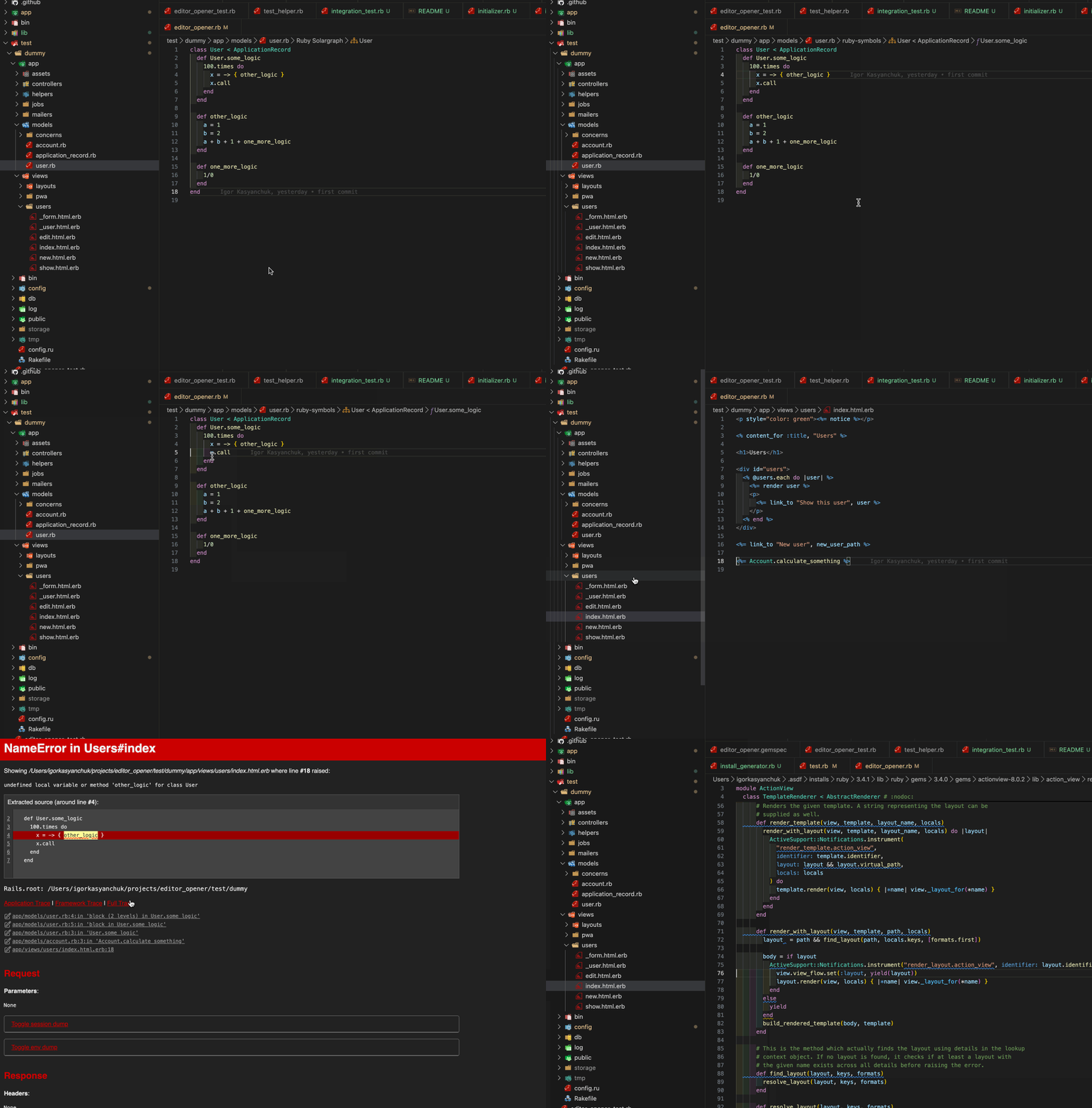
If an error occurs in your application, you’ll be presented with the usual error page. But now, you’ll notice a new feature: a small pencil icon next to the file path in the error message. Clicking on this icon will automatically open the offending file in your preferred code editor, saving you the hassle of navigating through your file system.
Enabling the Feature
To take advantage of this new feature, all you need to do is set the EDITOR or RAILS_EDITOR environment variable to your .bashrc or .zshrc file:
1
2
3
4
5
6
export EDITOR=cursor  # for Cursor
export EDITOR=code    # for Code
export EDITOR=subl    # for Sublime Text
export RAILS_EDITOR=cursor  # for Cursor
export RAILS_EDITOR=code    # for Code
export RAILS_EDITOR=subl    # for Sublime Text
The Magic Behind It: ActiveSupport::Editor
The core of this feature lies in the ActiveSupport::Editor class, which provides an interface to configure and register your editor of choice. The class allows you to specify the pattern for opening files in your editor, making it flexible enough to work with multiple editors.
Here’s how it works:
ActiveSupport::Editor.register: Registers a custom URL pattern for your editor. For example, if you’re using an editor like Cursor, Rails will generate a clickable link that opens the file in Cursor, passing the file path and line number.
1
ActiveSupport::Editor.register("cursor", "cursor://%s:%d")
ActiveSupport::Editor.current: This method checks the RAILS_EDITOR or EDITOR environment variables to determine which editor to use. If neither is set, Rails will fall back to the default editor.
Additional Details
This feature has been built with backward compatibility in mind. If the RAILS_EDITOR or EDITOR environment variable isn’t set, no changes are made to the default behavior of error pages. Also, for developers who want even more flexibility, a gem was created initially to make this integration possible. The gem, editor_opener, paved the way for this feature to be integrated directly into Rails.